productivitypersonal experienceobsidian
Why I Moved from Notion to Obsidian
After 5 years with Notion, I made the switch to Obsidian. Here's what pushed me over the edge and why it clicked for me.
April 01, 2026
The Problem with Notion
I’ve been using Notion for the past 5 years and I was really happy using it.
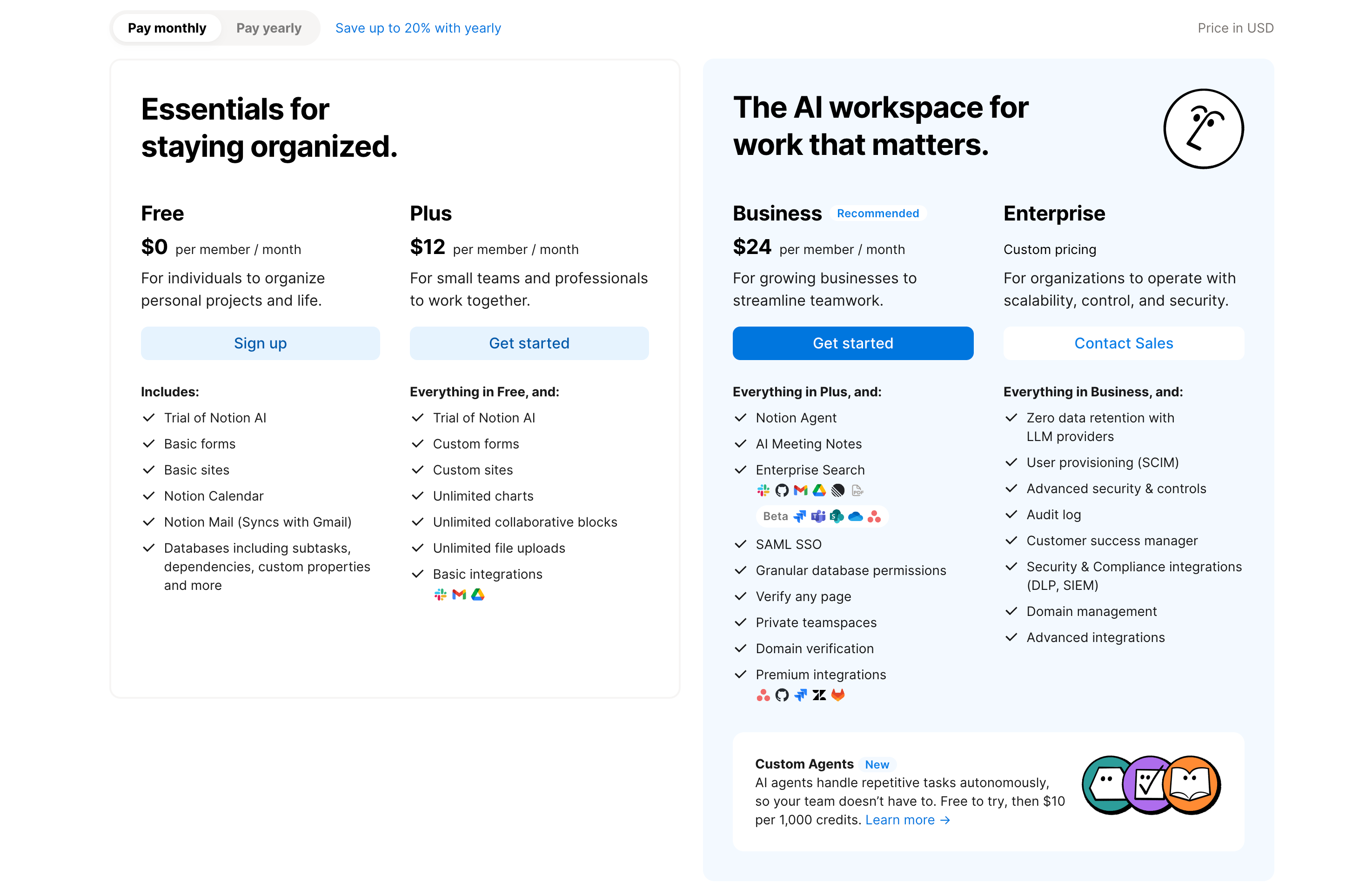
One of the good things about Notion is the Free-Tier is more than enough to manage my notes. The Notion team does a really great job building the app, but there are some issues that bother me while using it:
- It sometimes feels laggy, maybe because it’s made with Electron for such a complex app.
- There are so many features I don’t use, which feels like I need a course to learn them.
- The heading maximum is Heading 3. I don’t know the reason, but it feels unnatural to have a three-heading maximum for a page.
Lastly, I can’t use the AI assistant features unless I pay for their Business Plan.
Why Obsidian Clicked
Markdown Files
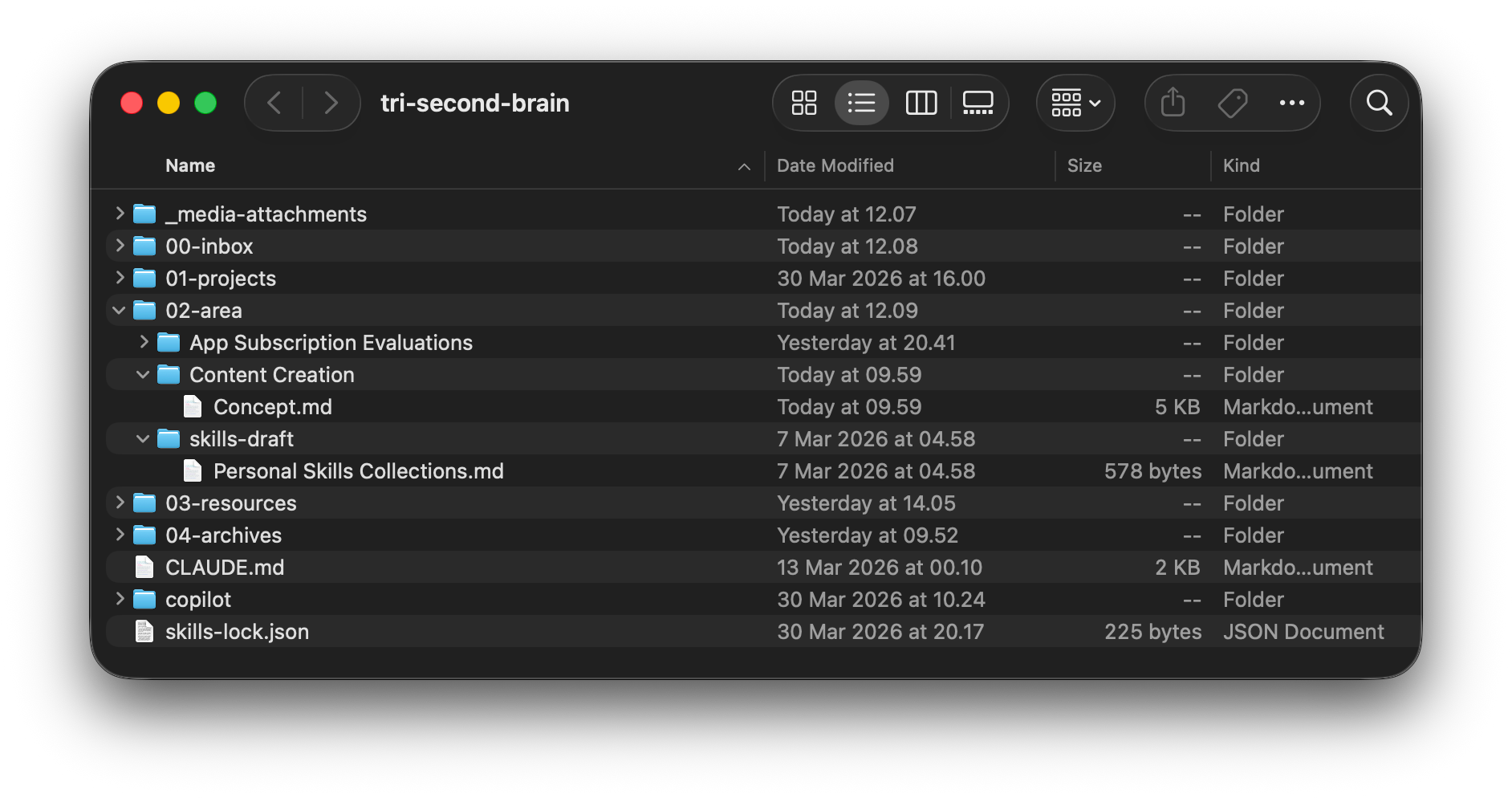
The first major leap from Notion to Obsidian is how the two manage data architecture. While Notion uses a block-based concept, Obsidian uses Markdown format.
Obsidian also uses the term “Vault,” which is basically just their fancy name for a folder.
I really like Markdown. It’s simple, flexible, and can be used everywhere.
Having my notes stored in Markdown files means I own the files, so I can easily back them up anywhere. Personally, I put my Vault on GitHub and sync it via iCloud Drive so I can access it across devices.
Fun Fact: The site you’re reading now is written using Markdown too, rendered by Astro.
It’s Fast
Who doesn’t like fast? If you do, then you might like Obsidian too.
Notion renders every piece of content as a “Block,” which can slow down long documents, whereas Obsidian treats notes as plain text files.
Since the note files are stored locally, there’s no waiting for servers to send or receive data.
The default installation also only contains the essential features, so you won’t be overwhelmed by unknown functionality until you need to install specific plugins later.
Agentic AI Friendly
AI is everywhere, and if you don’t use it you’ll miss out.
Managing notes with AI is really helpful. It can serve as a thinking partner when creating ideas, documentation, blog posts, grammar corrections, literally everything.
I’ve subscribed to several AI agents like Codex and Claude Code. If there were a way to utilize them directly in Notion, that would be great instead of subscribing to a separate Notion Business Plan.
I’ve heard Notion has a Model Context Protocol (MCP) integration to connect some AI models to manage content. But MCP is generally more expensive than a CLI (Command Line Interface) for AI agents, often costing 4-32x more in token usage, according to benchmarks from March 2026.
CLI is more cost-effective for developer tools, while MCP is often better suited for enterprise governance.
Since Obsidian content is just Markdown files, I can use my existing Claude Code and Codex subscriptions to help me manage my notes directly.
Community Plugins
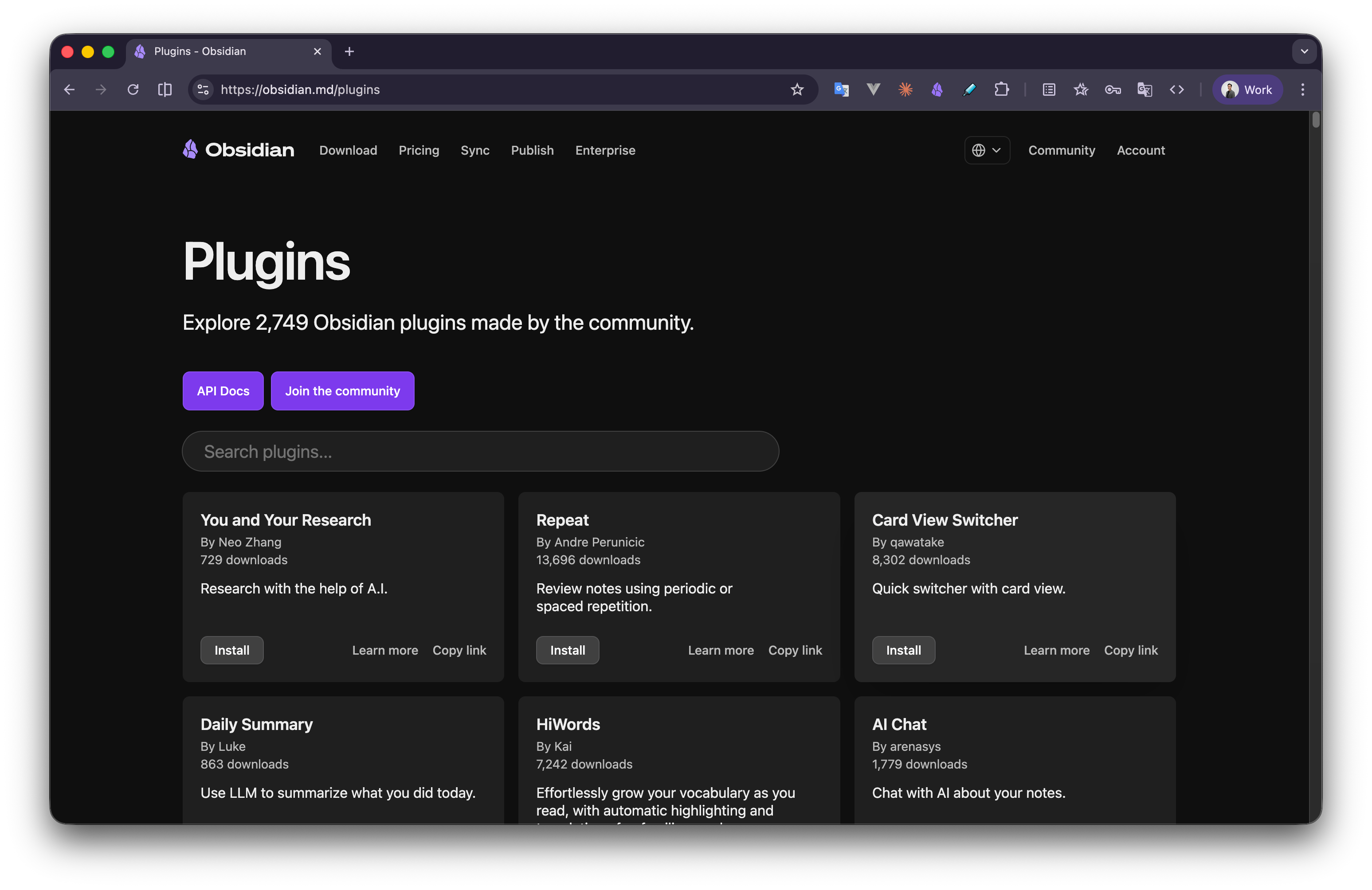
Obsidian has hundreds of community plugins. The key difference: I only install what I need. Unlike Notion’s bloated feature set, Obsidian starts lean and lets you build up.
I’ve been using some of them, like:
- Dataview for dynamic queries
- Templater for template automation
- Obsidian Git for version control
- Calendar for daily note creation
- Vimrc Support for Vim keybindings
Each plugin solves a specific problem and you only need to install it when you actually need it.
How I Migrated the Contents
I was worried about the migration, but then I decided to rebuild my Second Brain and just copy some of the important content from Notion manually. This felt like a clean slate, giving me the opportunity to be more strict about what goes into my Second Brain.
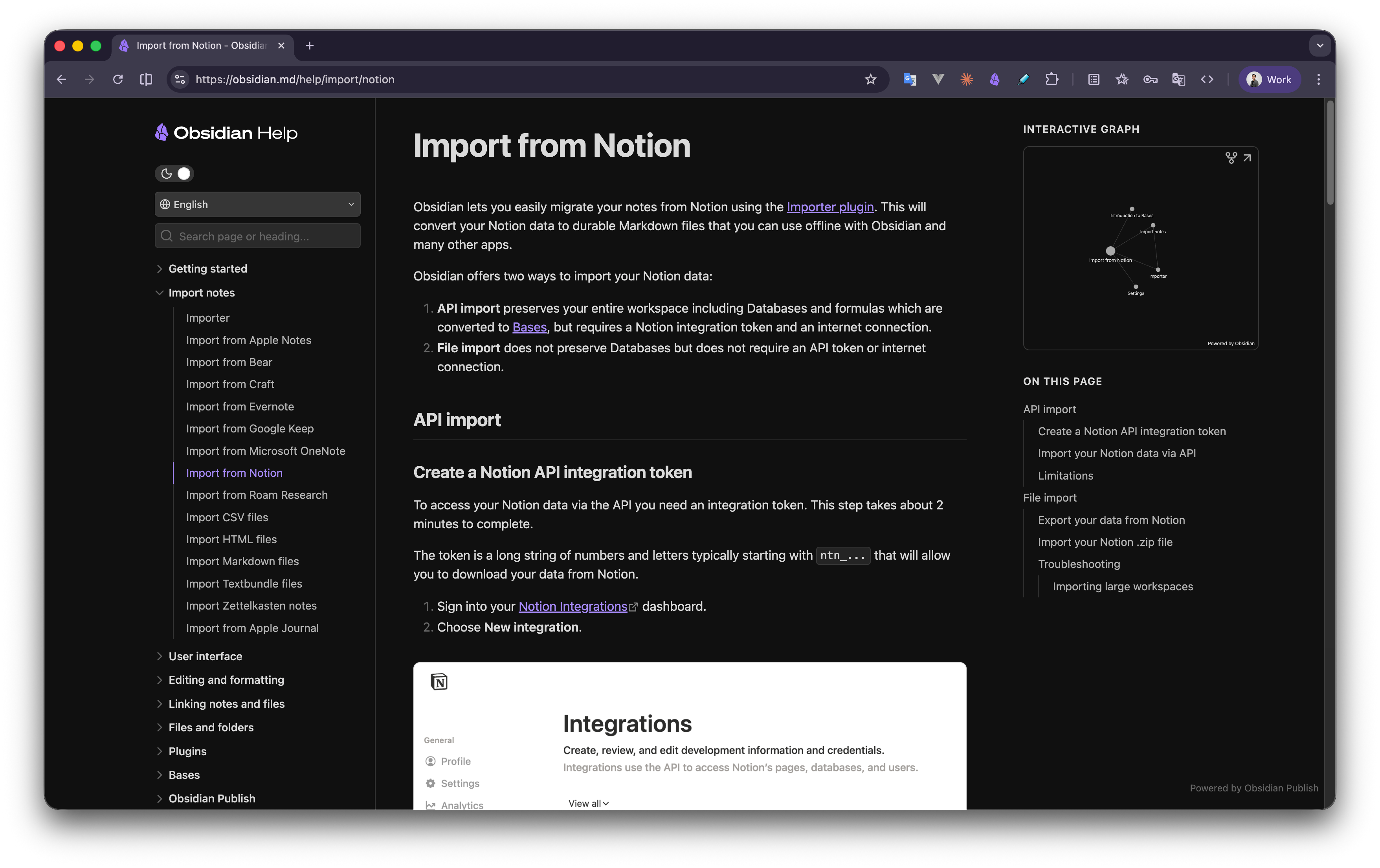
For those of you who want to migrate Notion content automatically, you can follow Obsidian’s official guide.
The Trade-offs
| Notion | Obsidian | |
|---|---|---|
| Setup | Easy setup | Manual setup |
| Storage | Cloud-based | Local-first |
| Collaboration | Collaborative | Solo-focused |
| Ownership | Vendor-controlled | Full ownership |
| Extensibility | Feature-rich | Plugin-based |
Obsidian requires more initial setup. The learning curve is steeper. I spent time configuring plugins and building templates.
But that investment bought me something valuable: complete control.
My second brain works the way I think, not the way Notion’s designers assumed I should think.
Conclusions
Instead of ditching Notion completely, I still use it for basic notes like daily schedules, body weight tracking, and everything that needs to be published or shared with colleagues quickly, like my Bookmarks or when doing brainstorming, since Notion is better on the collaboration side.
I also think Obsidian is not for everyone. If you want a simpler approach and a note-taking app that “just works” and supports collaboration, maybe Notion is more suitable for you.
Are you someone who moved to Obsidian recently? Drop your opinion and experience in the comment section below.
Thank you for reading 👋
Comments